
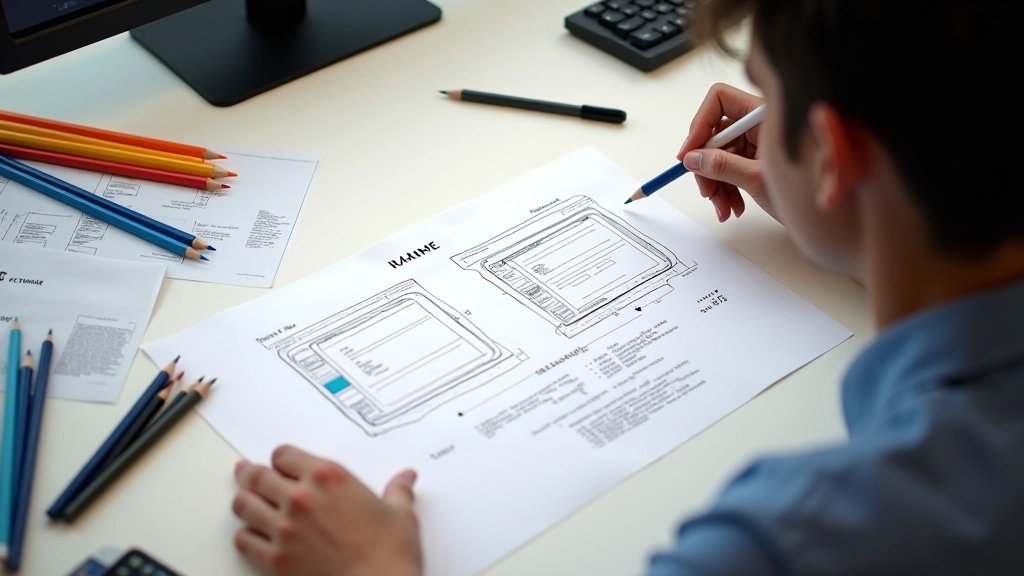
Sketching Wireframes That Actually Work
Start with pencil and paper. We’ll cover the fundamentals of layout hierarchy, button placement, and menu flow that players can navigate instantly.
Read GuideLearn professional wireframing techniques used in competitive gaming interfaces. From sketches to polished menus that players actually enjoy.

Build the foundational skills every UI designer needs to create responsive, intuitive game menus.

Start with pen and paper. We cover layout hierarchy, button placement, and menu flow that players navigate instantly without confusion.

Your menus must work on phones, tablets, and large screens. Learn safe zones, scaling techniques, and keeping text readable without compromise.

Good menus feel responsive. Discover how spacing, animation timing, and visual feedback create interfaces players enjoy using repeatedly.

A great menu gets out of the way. Players shouldn’t think about navigating—they should just do it. We’ve worked with competitive teams and casual studios to understand what actually works.
The difference between a frustrating interface and an intuitive one comes down to intentional choices. Button size, spacing, color contrast, animation speed—each decision affects how players experience your game. We’ll teach you how to make those choices confidently.
Learn Our StoryWe start by asking questions. What’s your player base? What are they doing in menus—quickly jumping into action or browsing options? Every game needs different solutions.
We don’t jump straight to digital. Pencil sketches are faster, cheaper, and honest. You’ll see what works and what doesn’t before investing time in polish.
Real players will tell you what’s confusing. We’ve found that watching someone navigate your menu for the first time reveals problems you can’t see yourself.
Based on feedback, we refine spacing, colors, animations, and interaction patterns. You’ll get final wireframes, design specs, and implementation guidance.
Our resources have helped thousands of designers improve their craft.
Dive into specific techniques with our most popular articles on menu design, responsive scaling, and player testing.
Start with pencil and paper. We’ll cover the fundamentals of layout hierarchy, button placement, and menu flow that players can navigate instantly.
Read Guide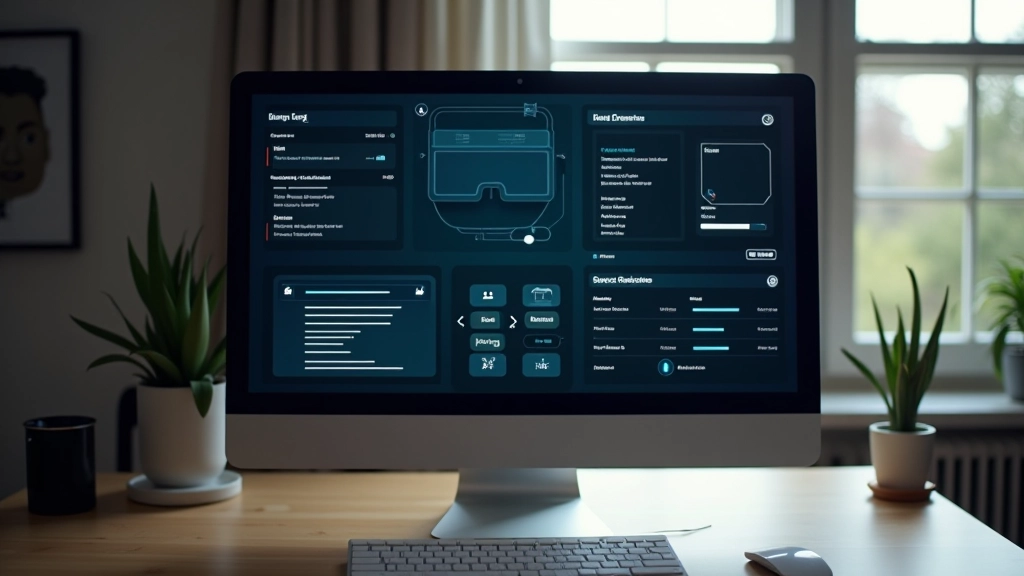
Learn how to structure menus so they’re intuitive on first glance. Real examples from popular games, why certain patterns work, and common mistakes to avoid.
Read Guide
Your menus need to work on phones, tablets, and large screens. This guide covers responsive scaling, safe zones, and keeping text readable without compromise.
Read GuideWhether you’re just starting with wireframes or refining your existing menus, we’ve got resources and guidance to help you create interfaces players love.
Contact Us Today